TabCtl
Command-line browser tab control with seamless desktop integration.
TabCtl enables powerful command-line control of browser tabs across Firefox and Chrome-based browsers. Built for developers and power users who prefer keyboard-driven workflows. Currently, for Linux only.
Features
- Universal Browser Support - Works with Firefox, Zen, Chrome, Chromium, Brave, Brave Origin, and Helium
- D-Bus Architecture - Secure local communication without network dependencies
- Desktop Integration - Automatic window focus and workspace switching
- Rofi Integration - Lightning-fast fuzzy search across all open tabs
- Privacy Focused - No data collection, all operations remain local
Quick Start
Installation
Arch Linux (AUR)
# Install from AUR
yay -S tabctl
# or
paru -S tabctl
From Source
# Clone and build. Both binaries land in build/
git clone https://github.com/slastra/tabctl
cd tabctl
make build
Setup
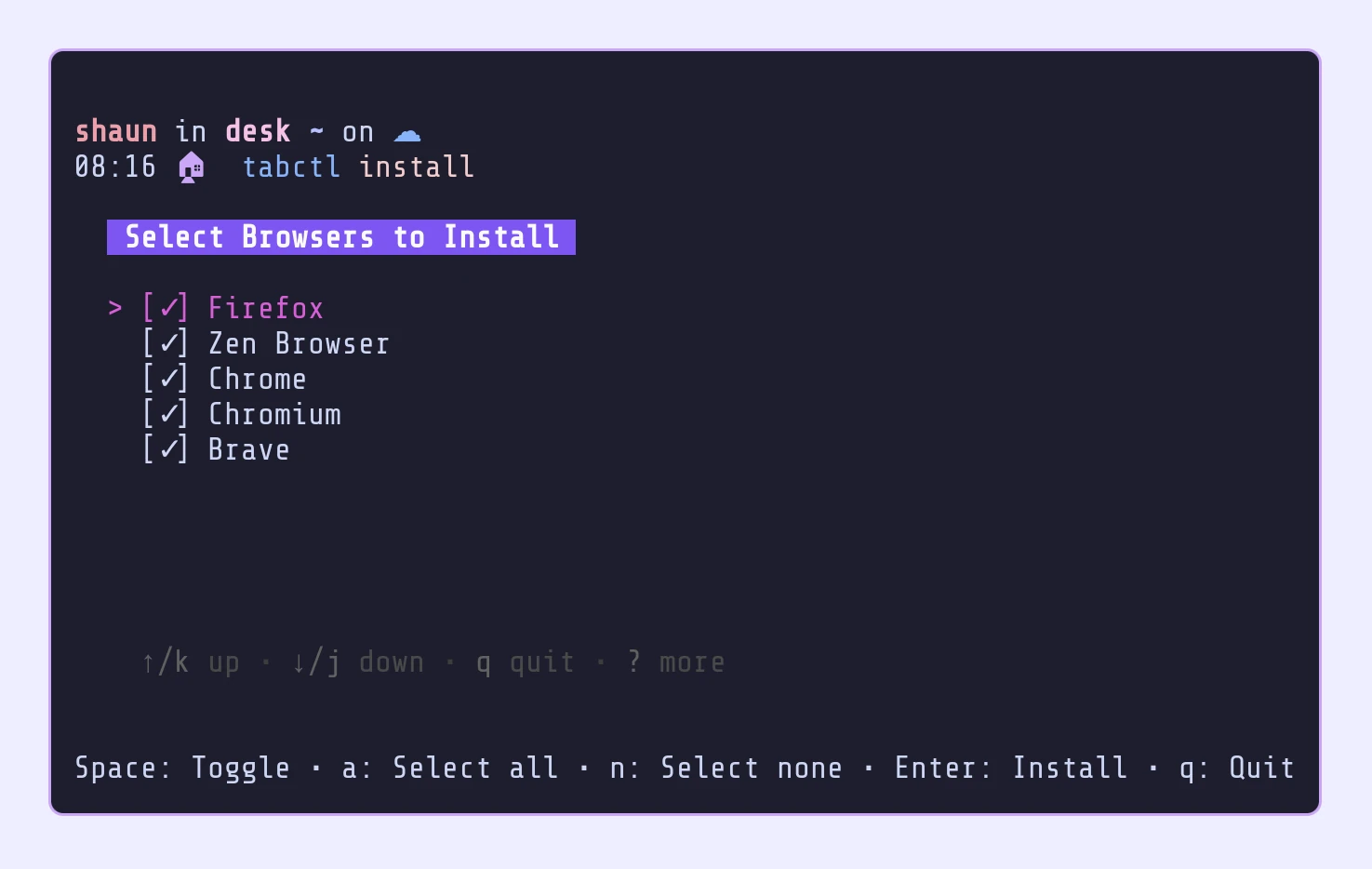
# Install native messaging host
./build/tabctl install
Browser Extensions
Install the extension for your browser:
- Firefox based: Install from Mozilla Add-ons
- Chrome based: Install from Chrome Web Store
- Brave / Brave Origin / Chromium / Helium: Use the Chrome Web Store link above
Or install manually from source:
- Firefox/Zen:
extensions/firefox/ - Chrome/Brave: Load unpacked from
extensions/chrome/
Basic Usage
# List all open tabs
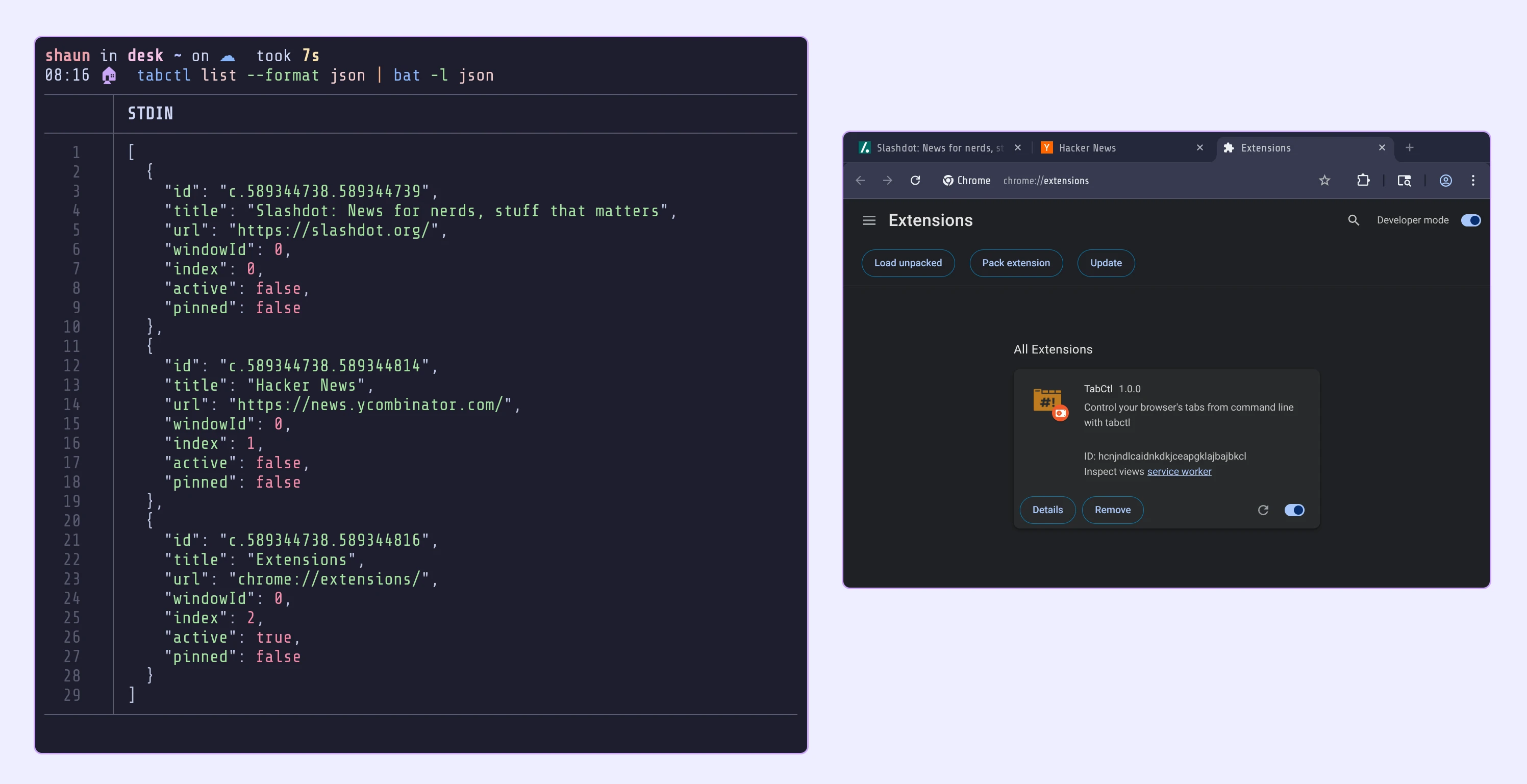
tabctl list

# Activate a specific tab
tabctl activate firefox.1.234

# Load a URL in an existing tab
tabctl navigate firefox.1.234 https://github.com

# Close multiple tabs
tabctl close firefox.1.234 firefox.1.235

# Open URLs in new tabs
tabctl open https://github.com

# Find tabs by title or URL
tabctl list | grep -i github

# JSON output for scripting
tabctl list --format json

# Check the extension and command-line tool are on matching versions
tabctl status
Rofi Integration
TabCtl includes powerful Rofi integration for visual tab management:
# X11 with wmctrl
scripts/rofi-tabctl-wmctrl.sh

# Wayland with Hyprland (favicons)
scripts/rofi-tabctl-hyprland.sh
AUR installs ship both scripts in /usr/share/tabctl/scripts/.
The Rofi integration provides instant fuzzy search across all tabs with automatic desktop/workspace switching when activating tabs. In the Hyprland script, Enter switches to the highlighted tab and Ctrl+w closes it (reopening the menu so you can clear several at once).
Documentation
- Architecture Overview - Technical design and implementation details
- Privacy Policy - Our commitment to your privacy
- GitHub Repository - Source code and issue tracking
Contributing
TabCtl is open source software released under the MIT License. Contributions are welcome! Please see our GitHub repository for development guidelines and issue tracking.
Support
- Issues: GitHub Issues
- Discussions: GitHub Discussions
- Latest Release: GitHub Releases
Acknowledgments
TabCtl was inspired by BroTab, rewritten in Go with a D-Bus architecture and a Manifest v3 Chrome extension.